Three updates to smooth out the end-of-year crunch for teams. Team filters let anyone create shared views, Project Insights got more focused and flexible, and your team workspace now lives in your mobile navigation bar for quick access.
Stay aligned with team filters
Getting visibility across your team’s work shouldn’t require digging through every project to piece it together.
With team filters, anyone can create shared views that surface exactly what your team needs to see: “all open customer requests,” “this week’s site visits,” or “what Sarah’s team is working on.”
Create a team filter, and it’s available to everyone. Update it, and the changes sync across the team.

Team filters are available now, and we’re continuing to refine them based on what we hear from you. Learn more about team filters.
Quick tip
If filter syntax feels tricky, let Filter Assist write the query. Just describe what you want in plain language, like “this week’s overdue tasks in the Marketing project,” and it builds the filter for you. 💫
Better Project Insights for your team
Since launching Project Insights (Beta) in October, we’ve been tweaking the details based on your feedback. Here’s what’s changed:
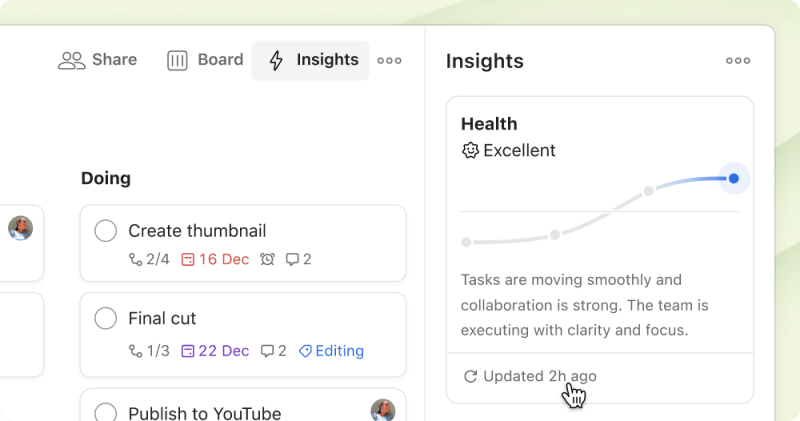
Better summaries and manual refresh: The automatic health summaries now focus on what matters most and handle larger projects more effectively. Need an update right now? Click “Updated ... ago”, then close and reopen the panel to refresh your project health on demand.
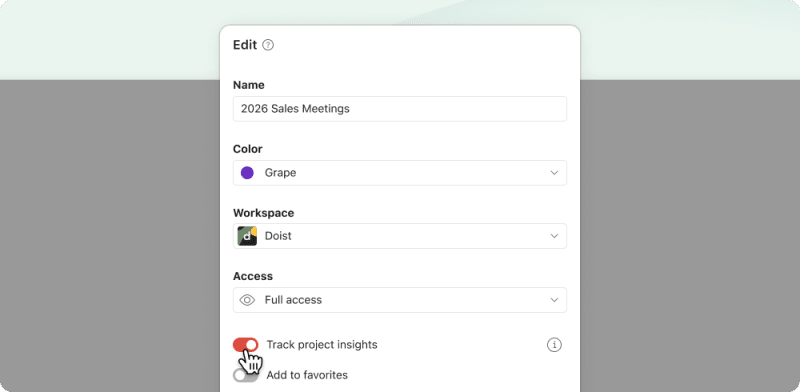
Control per project: Not every project needs progress tracking. Turn insights on or off in any team project’s settings.
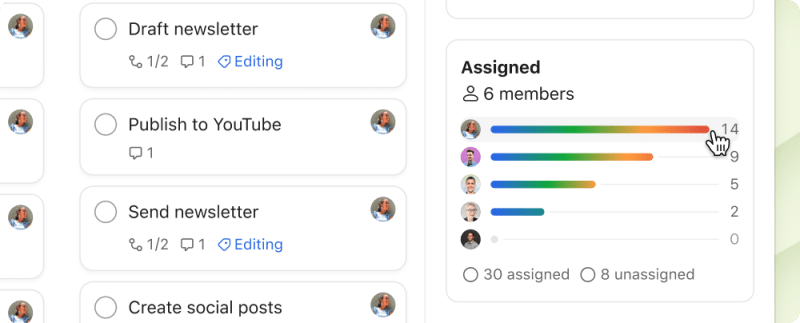
Filter by person: Select anyone’s name in the Assigned widget to view only their tasks in the project.
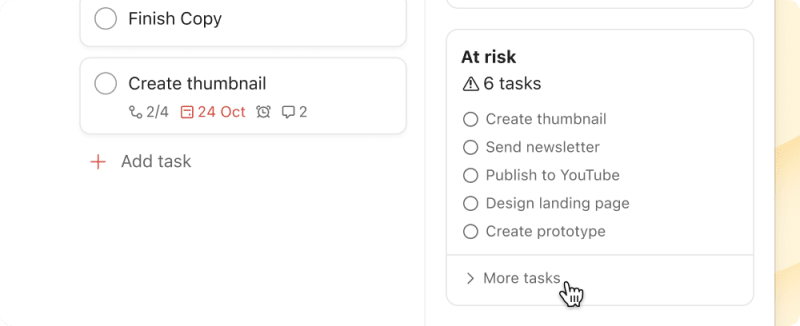
See all at-risk items: When more than 5 tasks are flagged, expand the At risk card to see the full list.
Using Project Insights? Let us know what else you’d like to see improved.
Your team, right in reach (on mobile)
On mobile, your team workspace is now just one tap away. Add it to your navigation bar for quick access. Then you can check who’s handling today’s deliveries, see if the install team finished the morning job, and make sure nothing’s falling through the cracks while you’re away from your desk.
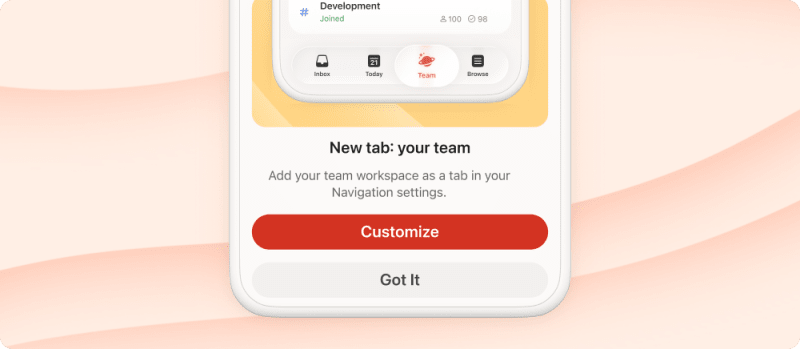
The next time you update Todoist, you’ll see a prompt to customize your navigation. Add your team for quick access, or set it up later in settings.