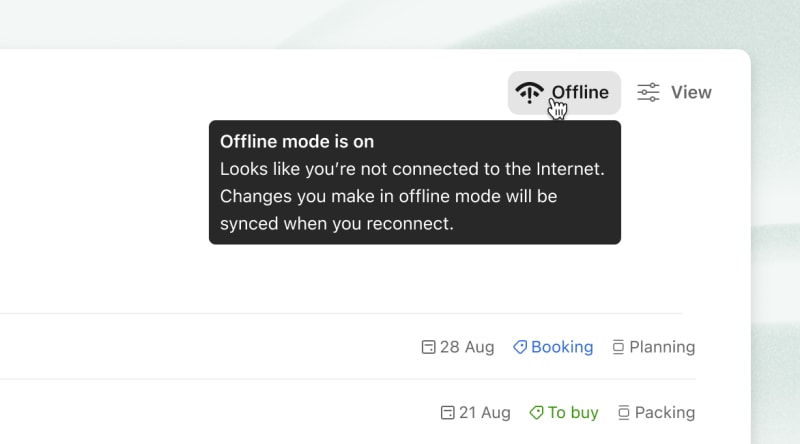
In Todoist, you can add, delete, or make changes to your tasks even without an internet connection. You'll see the offline icon at the top-right is automatically activated the moment you disconnect from the internet. If you've checked off tasks or made changes, these sync automatically as soon as you're back online, so you don't lose your work.
Warning
If your changes won’t sync, follow the steps in Troubleshoot syncing issues in Todoist and make a copy of the unsynced data before you log out.
Make sure you're logged in to your Todoist account before going offline. Without doing so, you can't access or make changes to your tasks or projects.
Get in touch
If you're having trouble working on your Todoist tasks while offline, get in touch with us.