
Stay focused with Pomodoro sessions built around your Todoist tasks. Pomist is a clean macOS app that turns your task list into timed work sessions, helping you work through your day with structure and intention.
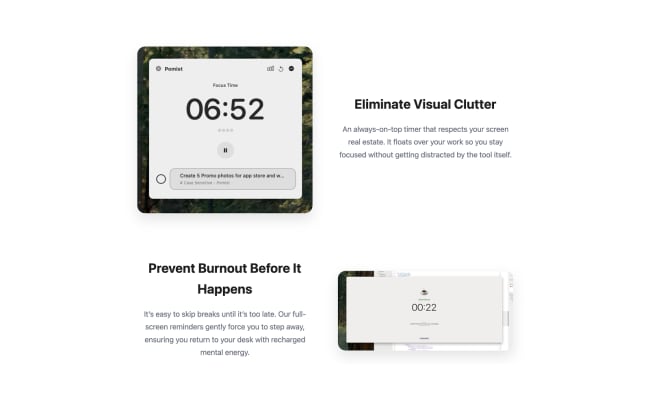
Connect your Todoist account, select a task, and start a focus session. When it ends, mark the task complete right from Pomist without switching apps. The break overlay stays on top of everything, so you won’t skip your rest time. At the end of the day, see your completed sessions and focus streaks.
Features
-
Select a task from your list and start a focused work session without switching between apps.
-
Mark tasks done directly from Pomist when you finish a session – no need to jump back to Todoist.
-
The break overlay stays on top of all your windows, so you'll actually take the rest time you need between focus sessions.
-
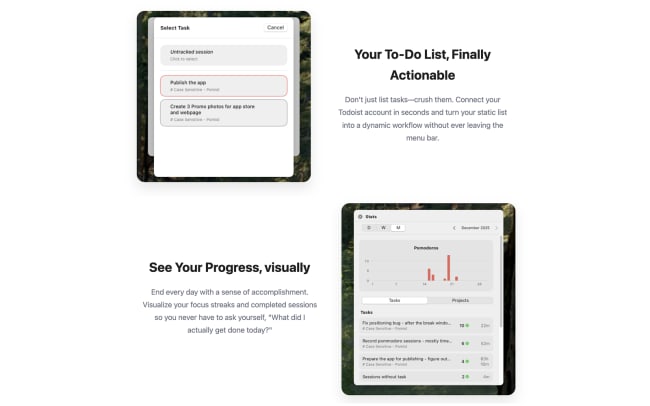
Review your completed sessions and focus streaks to see exactly what you got done each day.

Can’t find the integration you’re looking for?
Integrate with thousands of other apps via our automation partners. Or, explore our API to build your own extensions or integrations.